A slow, buggy website is more than just an annoyance; it's a silent business killer. Every millisecond of delay costs you conversions, damages your brand reputation, and hurts your SEO rankings. For Austin-based businesses relying on their online presence, a poorly performing site means lost leads and revenue. Your website is your 24/7 salesperson, but if it's slow, it's not closing deals. The solution isn't guesswork-it's data.
Comprehensive website performance monitoring tools provide the critical insights needed to diagnose issues before your customers notice them. From tracking Core Web Vitals to simulating user journeys and pinpointing server-side bottlenecks, these platforms transform performance from a technical chore into a strategic advantage. Identifying a problem is the first step; fixing it is next. Once you pinpoint performance gaps, applying effective strategies to improve website loading speed becomes paramount to retaining customers and protecting your bottom line.
This guide dives deep into the 12 leading tools that give you a clear, actionable view of your site's health. We've analyzed each platform's features, pricing, and ideal use cases to help you choose the right solution for your specific needs, complete with screenshots and direct links. This isn't just a list; it's a roadmap to building a faster, more reliable website that drives measurable growth.
1. Datadog Synthetic Monitoring + RUM
Datadog provides a comprehensive, full-stack observability platform where website performance monitoring is a core component. It combines proactive Synthetic Monitoring with passive Real User Monitoring (RUM) to give you a complete picture of your site's health. This unified approach is its key differentiator, allowing development teams to correlate frontend user experience directly with backend performance metrics, traces, and logs all in one place.
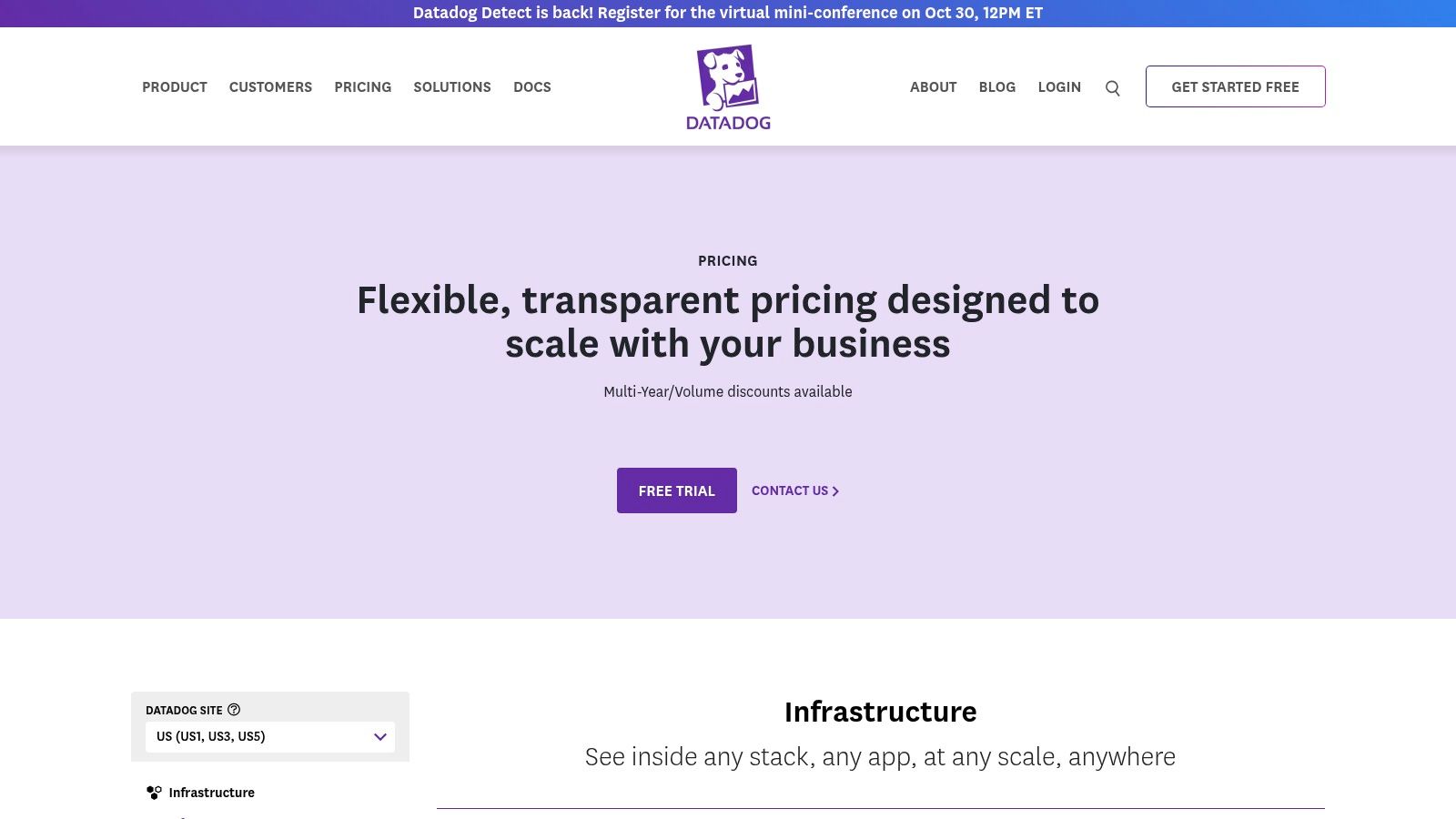
It’s an ideal choice for businesses with complex technology stacks that need to troubleshoot issues across the entire application. You can simulate user journeys with no-code browser tests, monitor critical API endpoints from global locations, and capture real-time client-side performance data. The platform’s tag-based system allows for powerful filtering and alerting, ensuring you only get notified about what matters.
Pricing & Key Features
Datadog’s pricing is granular and usage-based. You pay for what you use, which offers flexibility but requires careful monitoring to manage costs.
- Synthetic Monitoring: Starts at $7 per 10,000 API test runs and $18 per 1,000 browser test runs.
- Real User Monitoring (RUM): Starts at $2.20 per 1,000 sessions per month.
- Unique Features: Self-maintaining tests to reduce flakiness, deep CI/CD integration, and a no-code web recorder.
| Pros | Cons |
|---|---|
| Expansive ecosystem for full-stack observability. | Can be expensive at a large scale. |
| Granular, pay-as-you-go pricing model. | Steep learning curve for new users. |
| Powerful correlation between frontend and backend data. | The vast number of features can be overwhelming. |
Website: https://www.datadoghq.com/pricing/
2. New Relic (Browser, Synthetics, APM)
New Relic offers a comprehensive observability platform where website performance monitoring is a key part of its unified data model. It brings together Real User Monitoring (Browser), Synthetic checks, and Application Performance Monitoring (APM) into a single experience. This integration is its core strength, allowing teams to trace a poor frontend experience directly to a slow database query or a code-level bottleneck in the backend.
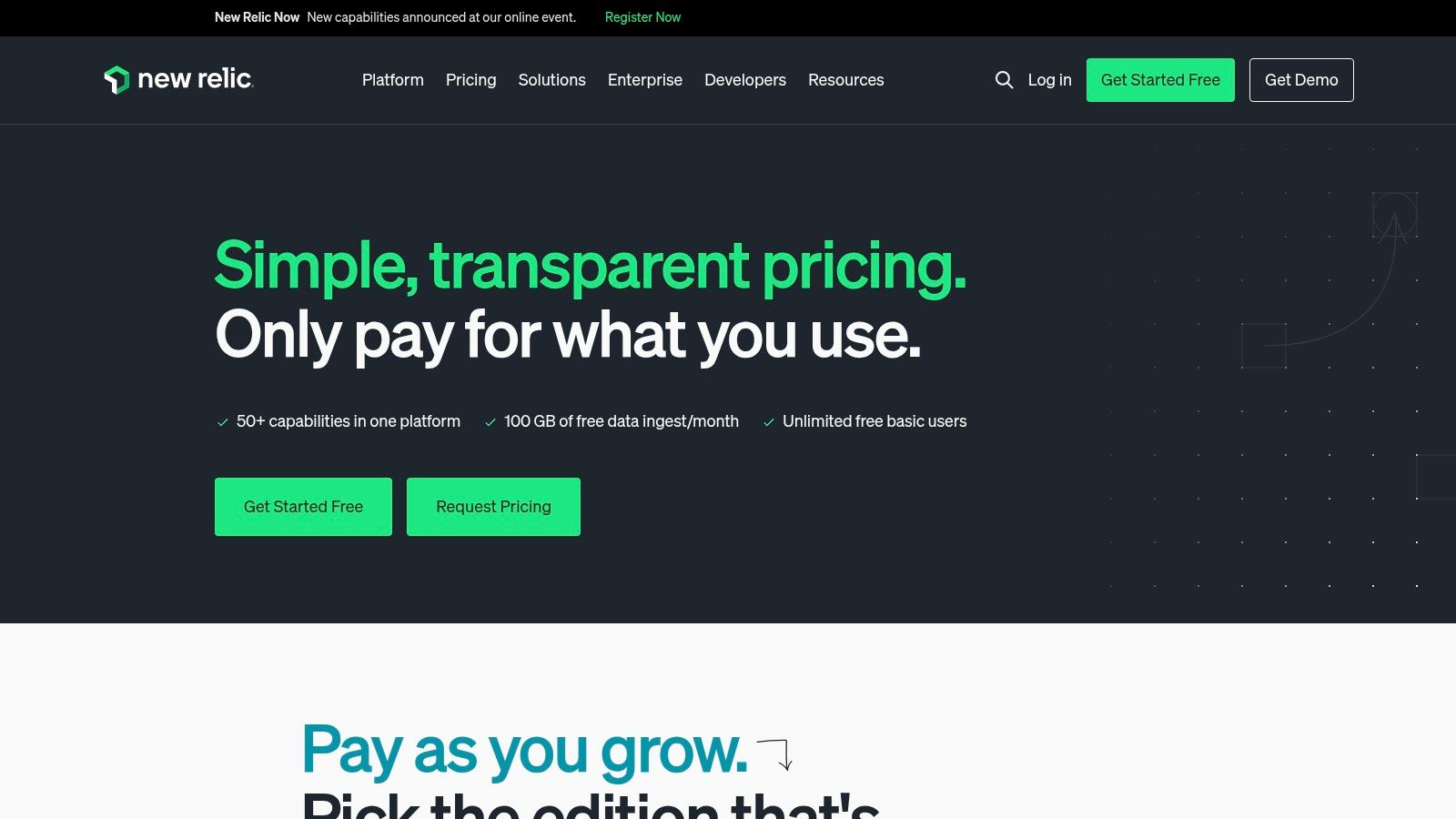
The platform is particularly attractive for teams wanting to start without a significant upfront investment. Its generous perpetual free tier provides a genuine entry point into observability, making it one of the most accessible website performance monitoring tools for startups and small teams. As needs grow, users can scale into more advanced features on a usage-based model, correlating user-centric metrics like Core Web Vitals with infrastructure and log data.
Pricing & Key Features
New Relic’s pricing is primarily usage-based, centered around data ingest and user seats. The free tier includes a substantial amount of data and one full-platform user.
- Free Tier: Includes 100 GB of data ingest per month and 1 full-platform user.
- Usage-Based Pricing: Paid plans offer lower data costs and additional user seats, scaling with your consumption. Synthetics checks beyond the free allowance are billed per check.
- Unique Features: A robust perpetual free tier, unified dashboards for APM and RUM, and a simplified pricing model based on data and users.
| Pros | Cons |
|---|---|
| Generous free tier makes it easy to get started. | Usage-based model requires careful monitoring to prevent overages. |
| Seamlessly expand from RUM into full-stack APM and logs. | Per-check costs for Synthetics can add up at high volume. |
| Unified platform simplifies troubleshooting across layers. | Can feel complex if you only need basic website monitoring. |
Website: https://newrelic.com/pricing
3. Pingdom by SolarWinds
Pingdom by SolarWinds is a popular website performance monitoring tool known for its user-friendliness and focus on the essentials of availability and end-user experience. It excels at providing straightforward synthetic monitoring, including uptime checks from global locations, page speed analysis, and transaction monitoring that simulates critical user paths like sign-ups or checkout processes. This makes it an excellent choice for teams that need to set up monitoring quickly and get clear, actionable reports without a steep learning curve.
The platform is particularly valued for its public status pages, which allow businesses to transparently communicate downtime or performance issues to their customers. Combining synthetic tests with Real User Monitoring (RUM) provides a balanced view of both simulated performance and actual user experiences. Its alerting system is robust, offering multiple channels like email and SMS to ensure key personnel are notified immediately when an issue is detected.
Pricing & Key Features
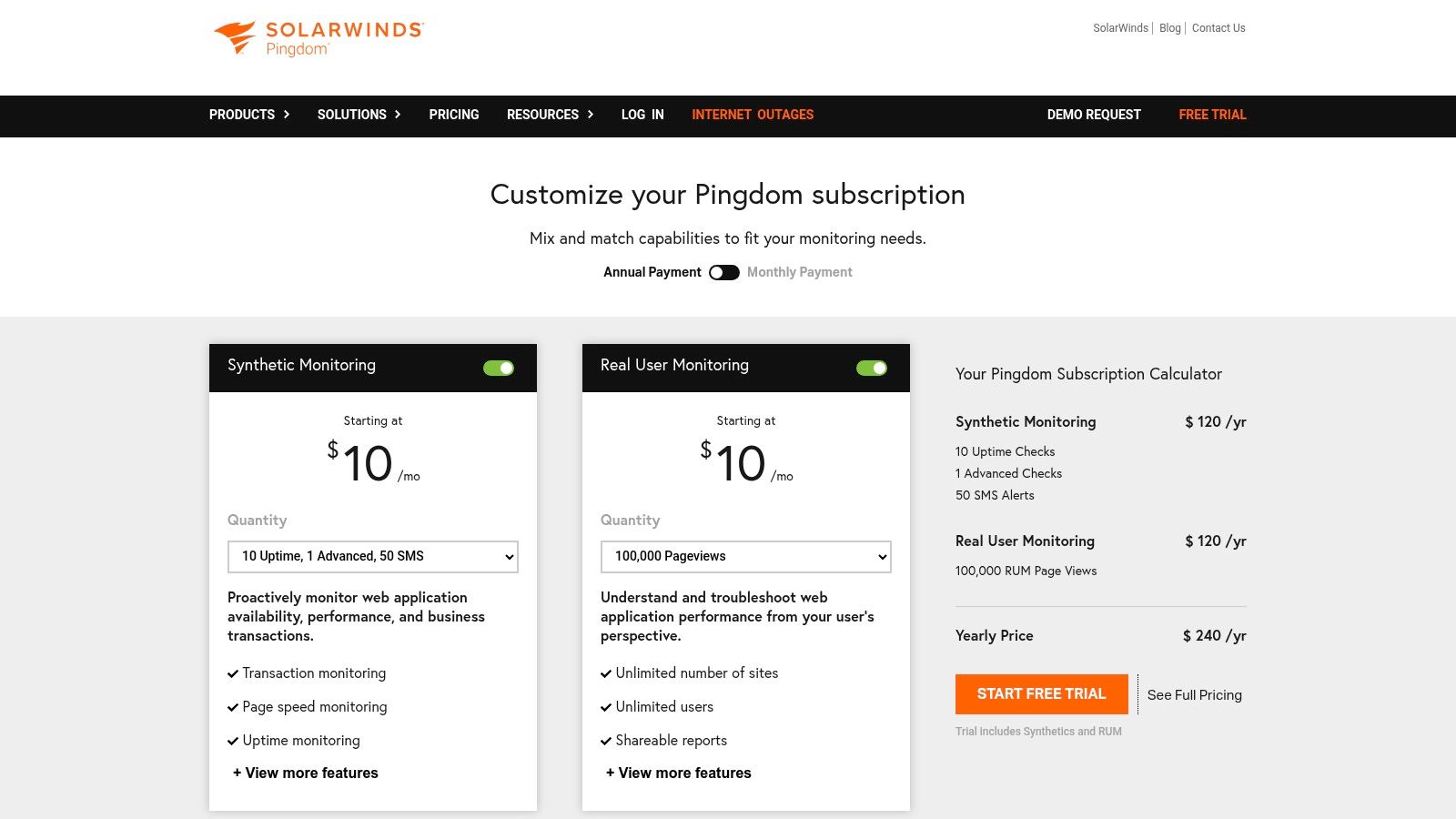
Pingdom offers a flexible plan builder, allowing you to mix and match synthetic and RUM checks to fit your specific needs. Pricing is based on the volume and frequency of these checks.
- Synthetic Monitoring: Starts at $10/month for 10 uptime checks and 1 advanced check.
- Real User Monitoring (RUM): Starts at $10/month for 100,000 pageviews.
- Unique Features: Public status pages, transaction monitoring to test user journeys, and a flexible plan builder for customized packages.
| Pros | Cons |
|---|---|
| Intuitive UI with a quick time-to-value. | Pricing configurator hides exact dollar amounts until plan is built. |
| Flexible plan builder to mix synthetics and RUM. | Advanced features may require higher tiers or custom bundles. |
| Excellent for public-facing status pages and alerts. | Lacks the deep, full-stack observability of more complex tools. |
Website: https://www.pingdom.com/pricing/
4. Dynatrace (RUM + Synthetic + APM)
Dynatrace delivers enterprise-grade observability with a heavy focus on automation and AI-powered answers. Its platform automatically discovers and maps your entire technology stack, providing a real-time topology that is crucial for understanding complex, distributed applications. The key differentiator is its AI engine, Davis, which provides deterministic root-cause analysis, moving beyond correlation to pinpoint the precise source of performance degradations.
This makes it one of the top website performance monitoring tools for large organizations that need to cut through noise and resolve issues faster. Dynatrace combines Digital Experience Monitoring (DEM), including RUM and synthetics, with deep infrastructure and application performance monitoring. This provides a unified view, connecting a poor user experience on the frontend directly to the underlying code, service, or infrastructure component causing the problem.
Pricing & Key Features
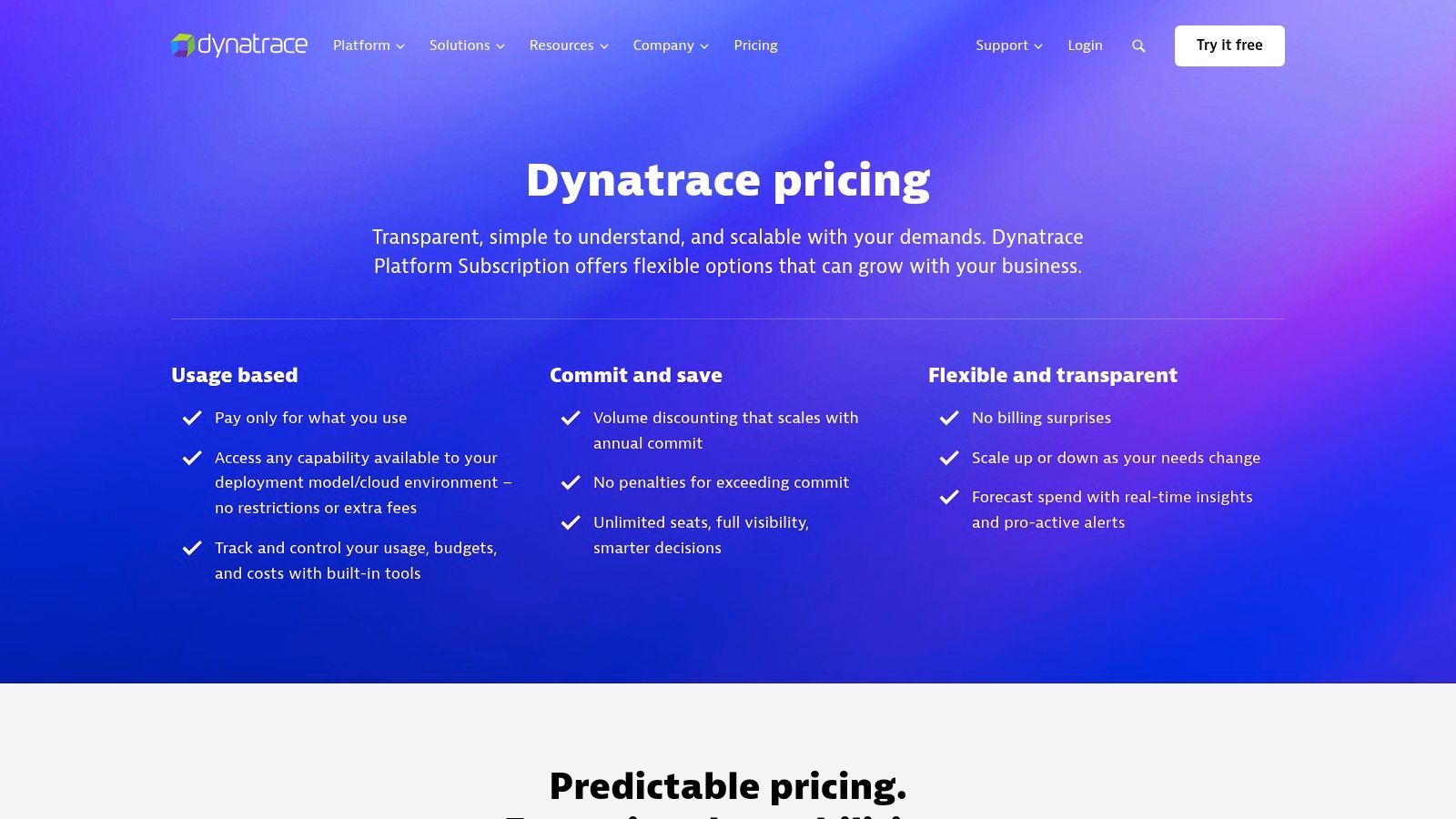
Dynatrace uses a transparent, consumption-based pricing model based on Digital Experience Monitoring (DEM) units. This simplifies budgeting by unifying various monitoring types into a single metric.
- Real User Monitoring: Priced per session, with session replay capabilities consuming additional DEM units.
- Synthetic Monitoring: HTTP monitors and browser clickpaths also consume DEM units based on frequency and type.
- Unique Features: Davis AI for automated root cause analysis, automatic full-stack discovery and topology mapping, and all-in-one agent deployment.
| Pros | Cons |
|---|---|
| Mature AI-assisted root cause and topology modeling. | Best value is at enterprise scale; can be costly for smaller teams. |
| Transparent, granular rate card for DEM units. | Configuration and initial setup can be intensive. |
| Automatic discovery simplifies monitoring complex systems. | The platform’s depth may require dedicated training. |
Website: https://www.dynatrace.com/pricing/
5. SpeedCurve
SpeedCurve is a performance-specialist platform designed for teams obsessed with frontend user experience. It uniquely blends synthetic lab data with Real User Monitoring (RUM) field data, providing rich visualizations and actionable insights. Its primary differentiator is a laser focus on Core Web Vitals and its "User Happiness" metric, making it one of the best website performance monitoring tools for correlating technical metrics with actual user satisfaction.
This tool is ideal for frontend developers and UX teams who need to understand not just how their site performs, but why. It excels at competitive benchmarking and tracking the impact of third-party scripts. The interactive waterfalls and CI/CD integrations allow teams to pinpoint regressions before they affect users, reinforcing the importance of speed performance for your website.
Pricing & Key Features
SpeedCurve's pricing is based on the volume of page views for RUM and the number of synthetic checks you run. Plans are tiered to accommodate different needs for data retention and features.
- Synthetic Monitoring: Starts at $200/month for 5,000 checks.
- Real User Monitoring (RUM): Starts at $110/month for 1 million page views.
- Unique Features: "User Happiness" score, competitive benchmarking, detailed third-party tracking, and strong focus on Core Web Vitals.
| Pros | Cons |
|---|---|
| Practitioner-friendly insights and strong dashboards for web performance. | Requires a JavaScript beacon for RUM implementation. |
| Clear guidance on RUM and synthetic analysis. | Advanced RUM retention is tied to the plan tier. |
| Excellent for visualizing frontend performance and Core Web Vitals. | Can be more niche than full-stack observability tools. |
Website: https://www.speedcurve.com/features/performance-monitoring/
6. GTmetrix
GTmetrix is a widely recognized page speed testing tool that has evolved into a powerful synthetic monitoring platform. It’s best known for its user-friendly reports that combine Google's Lighthouse data with its own analysis, providing actionable insights for developers and marketers alike. This makes it an excellent entry point into the world of website performance monitoring tools, especially for teams focused on improving Core Web Vitals and overall page load times.
While its on-demand testing is free, the platform's true value lies in its monitoring features. You can schedule tests from various global locations, simulate different connection speeds, and even test on mobile devices. The historical trending charts and visual filmstrip comparisons make it easy to see the impact of your optimizations over time, a key factor when you want to optimize your online presence. It is an affordable and accessible option for small businesses and agencies.
Pricing & Key Features
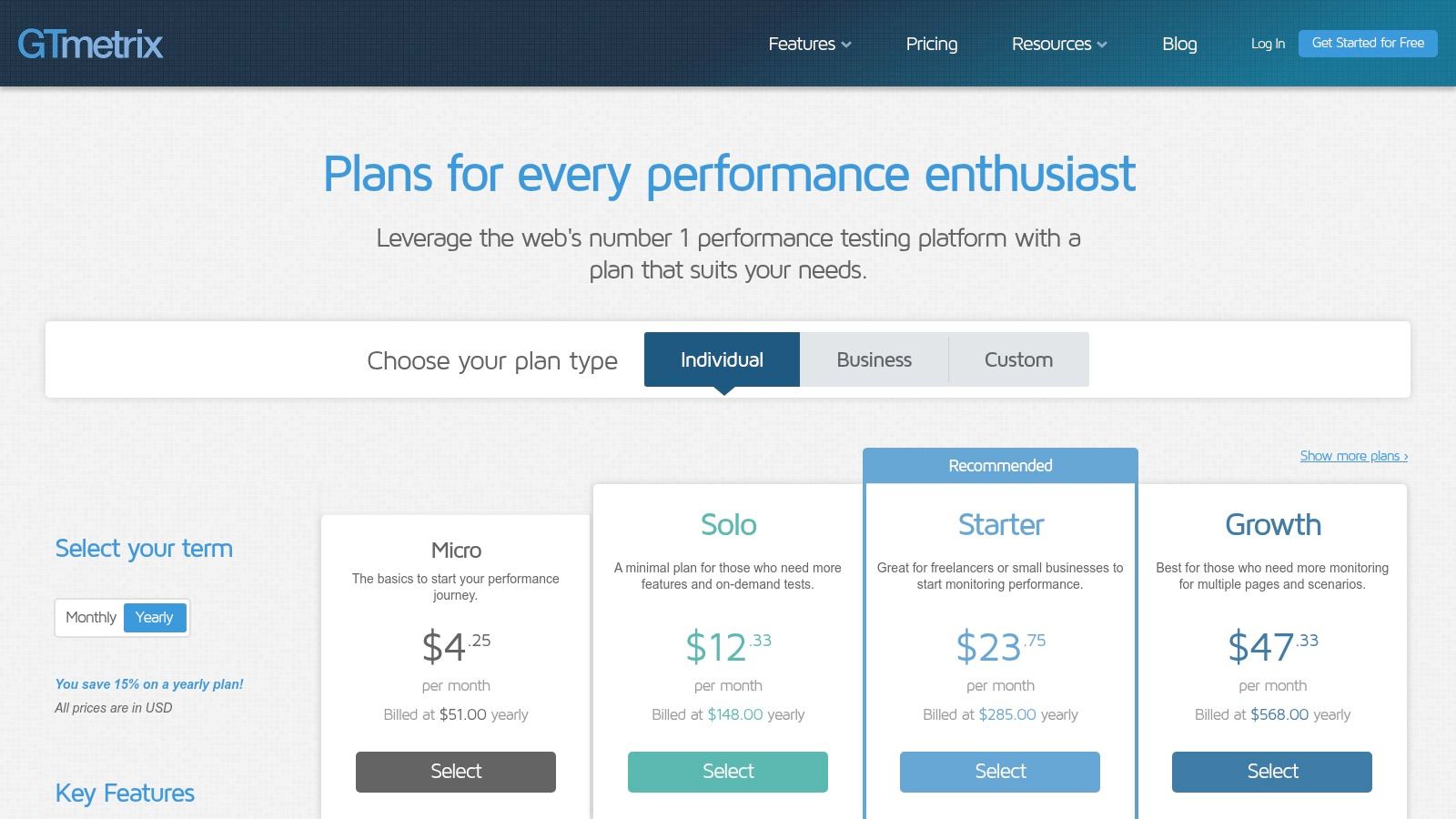
GTmetrix offers a free basic plan with paid tiers for more advanced monitoring features. The plans are straightforward and based on the number of monitored slots and on-demand tests.
- Solo Plan: Starts at $10.67/month for weekly monitoring and 25 on-demand tests.
- Team Plan: Starts at $36/month for more monitored slots and hourly checks.
- Unique Features: Detailed waterfall charts, video playback of page loads, and PDF/white-label reporting options.
| Pros | Cons |
|---|---|
| Very low entry price and easy-to-understand plans. | Primarily focused on synthetic testing; lacks RUM. |
| Good historical trending and reporting capabilities. | Advanced monitoring features require paid plans. |
| Combines Lighthouse data with custom analysis. | Monitoring frequency is limited on lower tiers. |
Website: https://gtmetrix.com/pricing.html
7. WebPageTest
WebPageTest is the industry-standard lab testing tool revered by performance engineers for its incredibly deep diagnostic capabilities. It allows you to run free, ad-hoc tests from over 30 global locations using real browsers and various connection profiles. This makes it an indispensable resource for granular, one-off performance analysis, providing detailed waterfalls, filmstrip views, and Core Web Vitals measurements. Its key differentiator is the sheer depth and accuracy of the data it provides for synthetic tests.
While the free version is powerful for manual checks, the Pro plans unlock the platform's full potential for ongoing monitoring. With paid tiers, teams gain API access for CI/CD integration, scheduled testing, longer data retention, and high-priority test runs. This transforms it from a simple diagnostic tool into a proactive component of your performance strategy. The detailed insights it offers are crucial for any serious effort in technical SEO best practices.
Pricing & Key Features
WebPageTest offers a robust free tier, with Pro plans scaling based on features and test volume. RUM is available only in the highest enterprise tiers.
- Free: Basic ad-hoc testing with limited history.
- Pro Plans: Start at various price points, adding features like API access, scheduled tests, and longer data retention.
- Unique Features: Scripted multi-step journeys, Lighthouse integration, filmstrip and waterfall views, and extensive location/browser options.
| Pros | Cons |
|---|---|
| Trusted, deep diagnostics favored by engineering teams. | Primarily synthetic; RUM is an enterprise-only feature. |
| Free community tier remains available for ad-hoc testing. | Advanced features and history are limited to paid plans. |
| Highly detailed and accurate lab test data. | The user interface can feel less modern than competitors. |
Website: https://webpagetest.org/signup
8. Calibre
Calibre is a performance-first monitoring tool designed specifically for frontend developers, product teams, and agencies. It uniquely blends Lighthouse-powered synthetic tests with Real User Monitoring (RUM) and a Chrome User Experience (CrUX) Report dashboard. This combination provides a holistic view, connecting controlled lab data with real-world user performance insights, making it one of the most focused website performance monitoring tools for optimizing user experience.
Its key differentiator is its deep integration into modern development workflows. You can set performance budgets, run automated checks on pull requests directly in GitHub, and create release snapshots to track the impact of new deployments. Calibre excels at making performance a shared responsibility, providing clear, actionable data that helps teams prevent regressions and build faster experiences from the start.
Pricing & Key Features
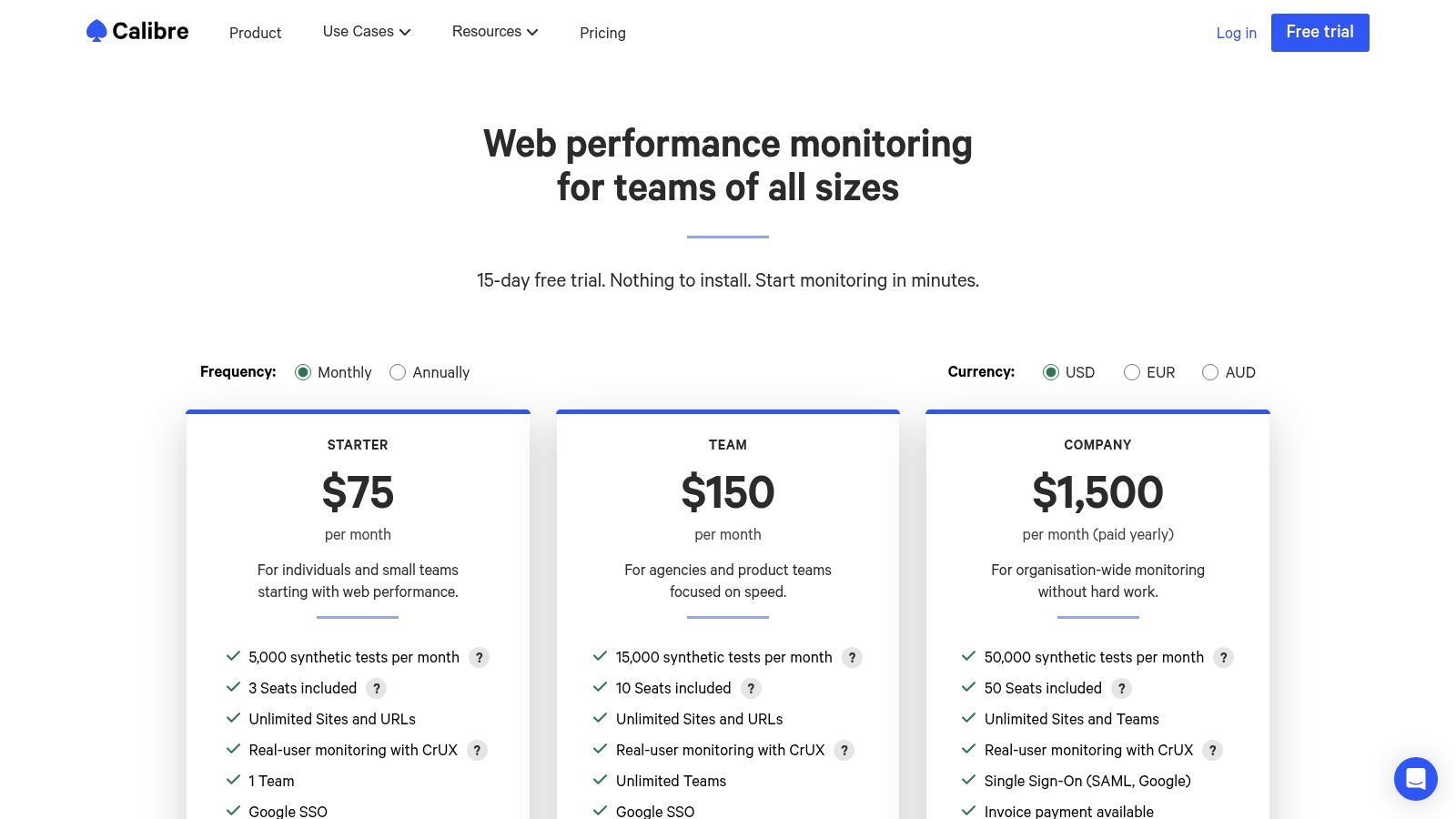
Calibre offers straightforward, plan-based pricing. Plans are tiered by the number of test profiles, pages, RUM pageviews, and team members.
- Starter: From $75/month for individuals and small teams.
- Growth: From $150/month, adding more test capacity and longer data retention.
- Business: From $300/month for larger teams needing extensive monitoring.
- Unique Features: Integrated CrUX dashboard, PR checks and performance budgets for CI/CD, and release snapshots for deployment tracking.
| Pros | Cons |
|---|---|
| Actionable UX and clear pricing tailored for frontend teams. | CrUX data excludes iOS and low-traffic sites. |
| CrUX insights are available without deploying a RUM beacon. | Scripted authentication has some limitations (e.g., no 2FA). |
| Strong focus on integrating performance into CI/CD workflows. | More focused on frontend than full-stack observability. |
Website: https://calibreapp.com/pricing
9. Uptrends
Uptrends provides comprehensive web performance monitoring, distinguishing itself with one of the largest global checkpoint networks available. This extensive reach allows businesses to accurately simulate user experiences from over 233 locations, making it a powerful tool for global brands needing to ensure consistent performance across all regions. The platform effectively combines synthetic monitoring, Real User Monitoring (RUM), and API monitoring into a cohesive solution.
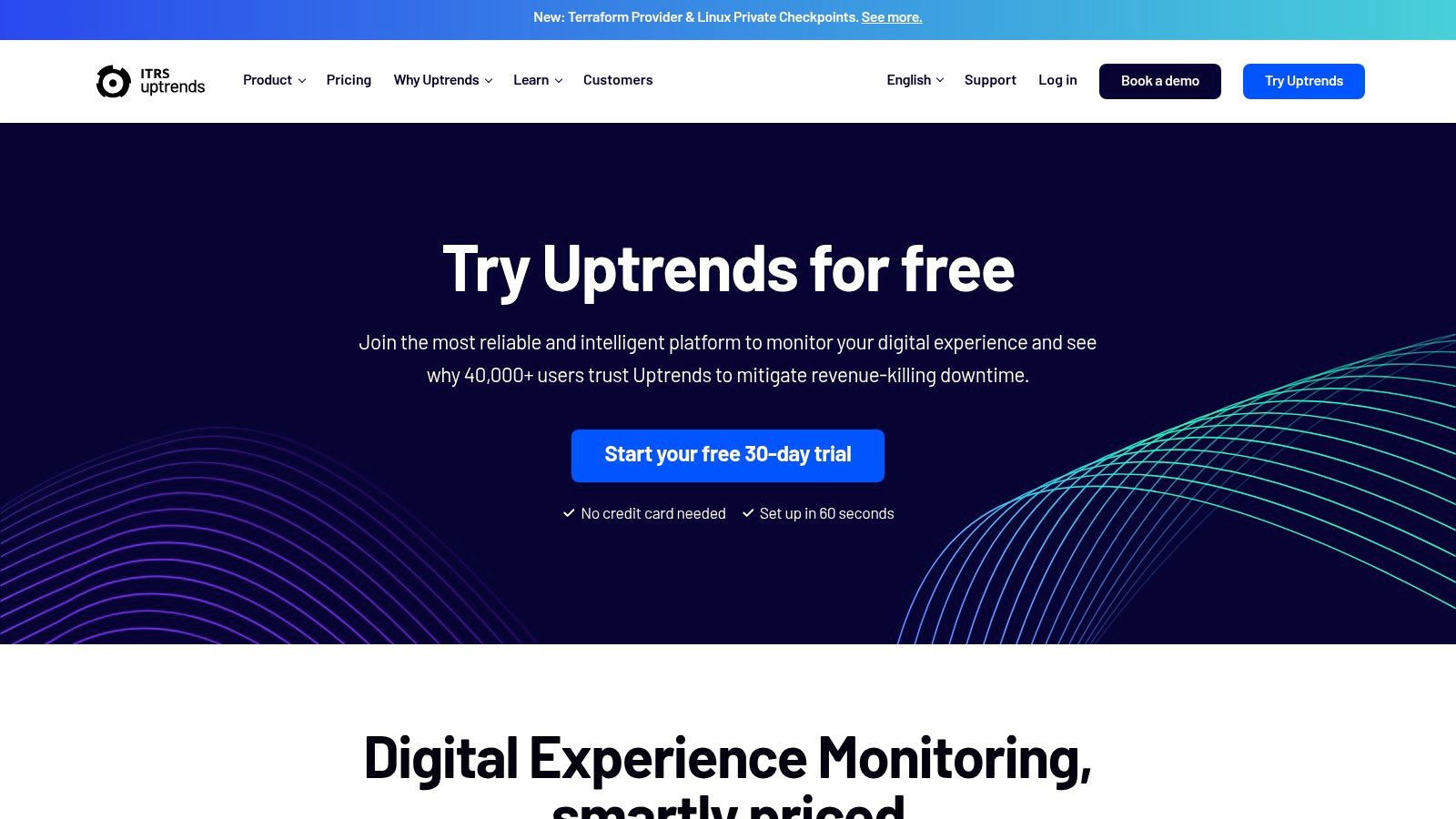
It is particularly well-suited for organizations that need to monitor both public-facing websites and internal applications behind a firewall, thanks to its Private Checkpoints feature. Uptrends excels in providing detailed, long-term reporting with easy data exporting, which is ideal for performance analysis and stakeholder updates. The platform’s transaction recorder simplifies the creation of complex user journey tests without requiring extensive coding knowledge.
Pricing & Key Features
Uptrends uses a flexible, subscription-based model with various tiers. Pricing depends on the number and type of monitors, check frequency, and desired features.
- Starter: From $17.59/month, includes 10 basic monitors.
- Business: From $24.77/month, adds features like transaction monitoring and full-page checks.
- Enterprise: Custom pricing, includes RUM and API monitoring.
- Unique Features: 233+ global checkpoints, Private Checkpoints for internal monitoring, detailed waterfall reports with screenshots on error, and a no-code transaction recorder.
| Pros | Cons |
|---|---|
| Very broad checkpoint network for global testing. | The credit-based system can be confusing initially. |
| Strong reporting and data export capabilities. | Some advanced features are gated in higher tiers. |
| Easy to combine synthetic and RUM for a fuller picture. | Interface feels slightly dated compared to rivals. |
Website: https://www.uptrends.com/pricing
10. AppDynamics (Cisco) End‑User Monitoring + APM
Part of the broader Cisco ecosystem, AppDynamics provides an enterprise-grade Application Performance Management (APM) platform with powerful end-user monitoring. It excels at linking client-side user experiences directly to backend application code and infrastructure performance. This makes it a strong contender among website performance monitoring tools for large organizations that need deep, code-level diagnostics across complex, distributed systems.
The platform's key differentiator is its deep integration with other Cisco products like ThousandEyes, which adds extensive network and internet path visibility. This allows teams to determine if a performance issue originates from the user's browser, the application code, or the underlying network path. It’s built for regulated environments where data retention, security, and granular control are paramount.
Pricing & Key Features
AppDynamics uses a quote-based, enterprise licensing model that can be complex. Pricing is not publicly available, and entitlements are often tied to specific usage metrics like pageviews for Browser RUM.
- Browser RUM: Provides real user monitoring with pageview-based entitlements.
- Mobile RUM: Offers similar capabilities for native mobile applications.
- Unique Features: Enterprise data retention options, deep integration with Cisco ThousandEyes for network insights, and the ability to correlate client behavior directly with backend transaction traces.
| Pros | Cons |
|---|---|
| Mature enterprise stack suitable for regulated environments. | Pricing is quote-based and licensing is complex. |
| Links app issues to client behaviors and network insights. | Documentation-driven licensing can be hard to interpret. |
| Deep code-level diagnostics and backend correlation. | Can be overkill for smaller or less complex applications. |
11. AWS Marketplace – Observability and Monitoring
Rather than a single tool, AWS Marketplace is a curated digital catalog where teams can find, test, and deploy a wide array of website performance monitoring tools directly within their AWS environment. This approach is ideal for organizations already heavily invested in the AWS ecosystem. Its primary advantage is simplifying procurement and billing by consolidating software subscriptions into a single AWS bill, streamlining budget management and vendor relations.
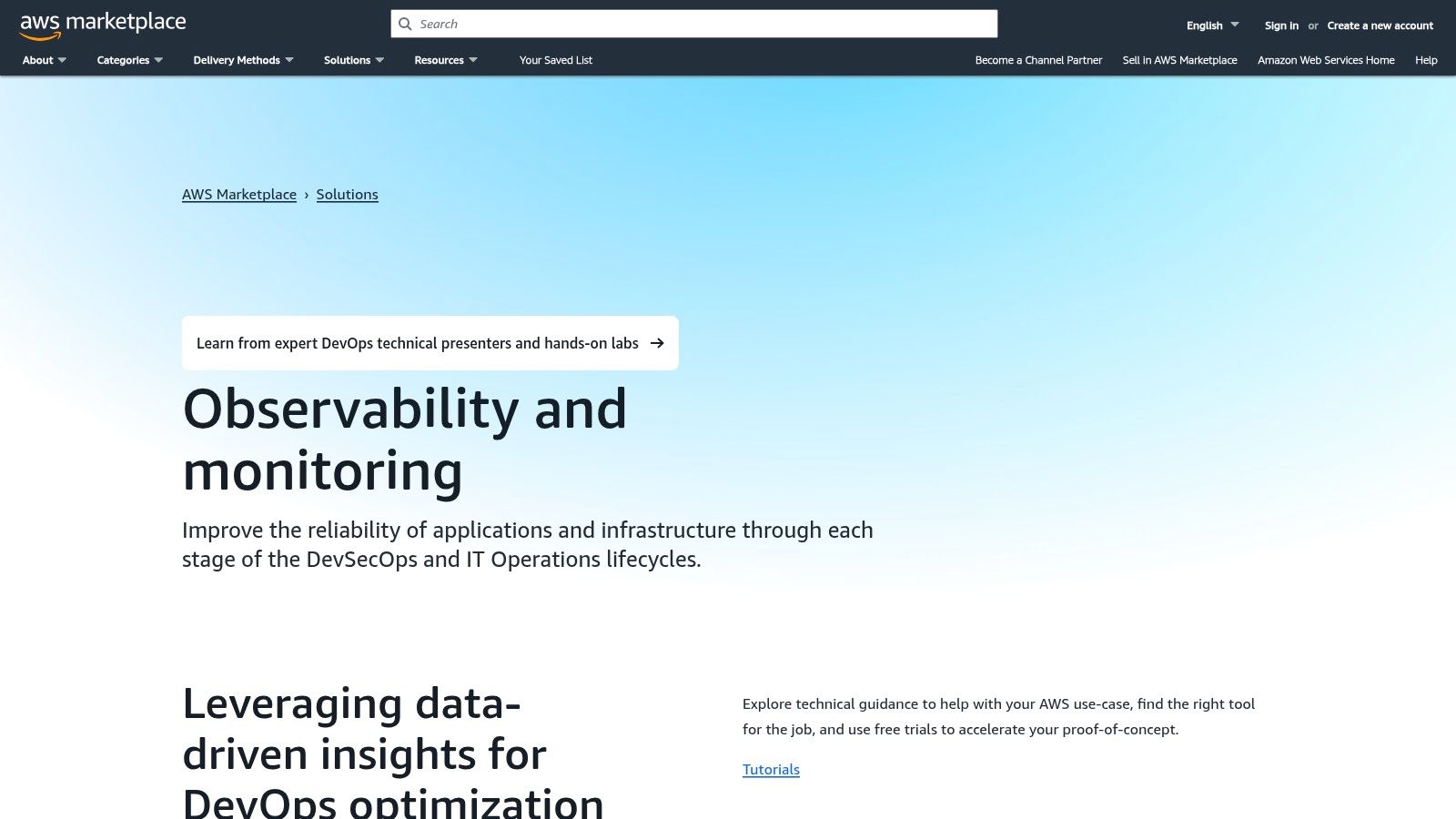
This platform allows for quick deployment and easy trials of many leading observability products, often with pay-as-you-go pricing models that align with AWS's own billing philosophy. While it offers unparalleled convenience for AWS customers, the responsibility of evaluating and selecting the right tool still falls on the user. The marketplace provides the venue, but you must perform the due diligence to ensure a specific solution meets your technical requirements.
Pricing & Key Features
Pricing is determined by the individual vendors on the marketplace, but all transactions are handled through your existing AWS account.
- Centralized Procurement: Subscribe to and deploy various website performance monitoring tools from one place.
- Consolidated Billing: Pay for third-party software on your AWS bill, simplifying expense management.
- Easy Deployment: Many listings offer streamlined deployment into your AWS infrastructure.
- Unique Features: Access to free trials, pay‑as‑you‑go options, and solutions pre-vetted for AWS compatibility.
| Pros | Cons |
|---|---|
| Centralized procurement and billing for teams using AWS. | Broad selection requires separate evaluation of each listing. |
| Easy trials and fast deployment into AWS environments. | You still need to validate coverage and fit per product. |
| Simplifies vendor management and software acquisition. | Not all top-tier tools may be available on the marketplace. |
Website: https://aws.amazon.com/marketplace/solutions/devops/observability-and-monitoring
12. G2 – Website Monitoring Software Category
While not a monitoring tool itself, G2’s Website Monitoring category is an indispensable resource for research and vendor comparison. It acts as a comprehensive hub, aggregating user reviews, product details, and satisfaction ratings for dozens of website performance monitoring tools. Its primary value lies in providing social proof and real-world feedback, allowing you to see how different platforms perform for businesses of a similar size and industry.
The platform’s filterable grids let you shortlist tools based on specific features, pricing models, and company size. This helps you move from a long list of potential options to a manageable set of vendors to evaluate. When exploring various options, it's also worth looking into comprehensive lists such as the best network monitoring software solutions to cover all aspects of your infrastructure. G2 is best used at the start of your buying journey to build a list of candidates for free trials.
Pricing & Key Features
G2 is free for users to browse reviews and compare products. Vendors pay for enhanced profiles and lead generation features.
- Free to Use: Access to all reviews, comparison grids, and reports is completely free.
- Unique Features: G2 Grid® visualizes market leaders and contenders, verified user reviews provide authentic feedback, and detailed feature comparisons help differentiate similar products.
| Pros | Cons |
|---|---|
| Invaluable for vendor comparison and gathering real user feedback. | Sponsored placements can influence visibility on category pages. |
| Free to browse and contains thousands of user reviews. | It's a directory, not a direct vendor for monitoring tools. |
| Filters help shortlist tools based on your specific needs. | Reviews should be validated with your own free trials. |
Website: https://www.g2.com/categories/website-monitoring
Top 12 Website Performance Monitoring Tools — Feature & Performance Comparison
| Solution | Core features ✨ | UX / Quality ★ | Pricing / Value 💰 | Target audience 👥 | Standout 🏆 |
|---|---|---|---|---|---|
| Datadog Synthetic Monitoring + RUM | ✨ Synthetic API/browser/mobile tests, RUM, CI/CD, traces/logs correlation | ★★★★ — comprehensive, steeper learning curve | 💰 Mid–high; granular by test type | 👥 Mid→Enterprise teams, complex stacks | 🏆 Unified frontend + backend observability |
| New Relic (Browser, Synthetics, APM) | ✨ RUM + synthetics + APM/logs, unified dashboards, usage billing | ★★★★ — easy entry with growth path | 💰 Usage‑based; generous free tier (watch overages) | 👥 SMB→Enterprise teams starting observability | 🏆 Low‑friction free tier & full‑stack expansion |
| Pingdom by SolarWinds | ✨ Uptime, page speed, transactions, RUM, public status pages | ★★★★ — intuitive, fast time‑to‑value | 💰 Mid; plan builder (prices revealed late) | 👥 SMBs & ops teams wanting quick setup | 🏆 Quick setup + shareable status pages |
| Dynatrace (RUM + Synthetic + APM) | ✨ RUM, synthetic tests, full‑stack correlation, AI (Davis), auto‑discovery | ★★★★★ — enterprise‑grade diagnostics | 💰 High; best value at enterprise scale | 👥 Large enterprises, distributed apps | 🏆 AI‑assisted root cause & topology mapping |
| SpeedCurve | ✨ Lab + RUM, Core Web Vitals, benchmarking, third‑party impact | ★★★★ — practitioner‑friendly dashboards | 💰 Mid; specialist pricing for performance teams | 👥 Frontend teams, UX/performance specialists | 🏆 Core Web Vitals focus & competitive benchmarking |
| GTmetrix | ✨ Lighthouse‑based synthetic tests, scheduled runs, video/filmstrip, reports | ★★★★ — simple, clear reports | 💰 Low; affordable entry plans | 👥 Small teams, freelancers, agencies | 🏆 Cost‑effective synthetic testing & white‑label reports |
| WebPageTest | ✨ Deep diagnostics, scripting, filmstrips, many locations, Pro/API tiers | ★★★★ — engineering‑centric, detailed | 💰 Free community; Pro for teams/enterprise | 👥 Performance engineers & consultants | 🏆 Industry‑standard deep diagnostics & scripting |
| Calibre | ✨ Lighthouse synthetic + RUM, CrUX dashboard, PR checks, budgets, CI/CD | ★★★★ — modern workflows for dev teams | 💰 Mid; clear, actionable pricing | 👥 Agencies & product/frontend teams | 🏆 CI‑friendly PR checks & performance budgets |
| Uptrends | ✨ 233+ global checkpoints, RUM, private checkpoints, API/reporting | ★★★★ — broad coverage & exports | 💰 Credit‑based (can be confusing) | 👥 Ops/enterprise needing global & internal monitoring | 🏆 Very large checkpoint network & private checks |
| AppDynamics (Cisco) End‑User Monitoring + APM | ✨ Browser/mobile RUM, enterprise retention, Cisco integrations | ★★★★ — mature but complex | 💰 Quote‑based; complex licensing | 👥 Regulated enterprises, Cisco ecosystems | 🏆 Enterprise diagnostics + network/SaaS insights |
| AWS Marketplace – Observability & Monitoring | ✨ Catalog of observability tools, AWS billing/deploy, trials via marketplace | ★★★ — convenient procurement; UX varies by product | 💰 Varies by listing; centralized AWS billing | 👥 AWS customers & procurement teams | 🏆 Centralized procurement & quick AWS deployment |
| G2 – Website Monitoring Software Category | ✨ Filterable product grids, user reviews, monthly “best” lists, edu content | ★★★ — research hub, user feedback volume | 💰 Free to browse (vendor pricing links) | 👥 Buyers shortlisting vendors, procurement | 🏆 Aggregated user reviews & shortlist assistance |
Transforming Data Into a World-Class User Experience
We've explored a wide spectrum of powerful website performance monitoring tools, from the quick, free analysis of WebPageTest to the all-encompassing observability platforms of Datadog and Dynatrace. Navigating this landscape can feel overwhelming, but the core takeaway is simple: performance data is only as valuable as the action it inspires. The ultimate goal isn't just to achieve a high score on a report; it's to deliver a seamless, fast, and reliable digital experience that builds trust and drives business growth.
Simply choosing a tool from this list is just the first step on a continuous journey of improvement. The real transformation happens when you move from passively collecting metrics to actively interpreting them and implementing changes. A slow load time identified by Pingdom isn't just a number; it's a potential customer who bounced. A JavaScript error flagged by New Relic isn't just a line of code; it's a broken checkout process that costs you a sale.
How to Choose the Right Tool for Your Business
Selecting the perfect tool depends entirely on your specific context, technical expertise, and business objectives. There is no single "best" solution for everyone.
- For Startups and SMBs: If you're an Austin-based small business or launching a new WordPress site, start with accessible tools like GTmetrix or the free tier of Pingdom. These provide actionable insights without a steep learning curve or significant financial investment. Focus on core metrics like Largest Contentful Paint (LCP) and page load time.
- For Growth-Focused Companies: Businesses investing heavily in SEO and lead generation should consider integrated solutions that combine Real User Monitoring (RUM) and Synthetic Monitoring. Tools like Datadog, Uptrends, or SpeedCurve offer a balanced view, helping you understand both baseline performance and real-world user experiences.
- For Large Enterprises & E-commerce: If your operations are complex and downtime has severe financial repercussions, investing in a full-stack observability platform is crucial. Dynatrace, New Relic, or AppDynamics provide the deep, AI-powered diagnostics needed to manage intricate application ecosystems and proactively resolve issues before they impact users.
Putting Your Tools to Work
Once you've made your choice, successful implementation is key. Start by establishing clear performance baselines and setting realistic goals. Don’t try to fix everything at once. Prioritize the low-hanging fruit, such as image optimization or leveraging a CDN, that will deliver the most significant impact on user experience. Integrate your chosen website performance monitoring tools into your development workflow to catch issues early and foster a culture where performance is a shared responsibility, not an afterthought.
Ultimately, these tools are instruments in your orchestra. Your team must learn to play them in harmony to create a masterpiece of a user experience. By consistently monitoring, analyzing, and optimizing, you transform abstract data into tangible business results, ensuring your website is not just a digital brochure but a powerful engine for growth.
A high-performance website is the foundation of a successful digital marketing strategy. At Gidds Media, we specialize in turning performance insights into measurable growth in SEO, conversions, and ROI for businesses in Austin and beyond. If you're ready to build a comprehensive performance strategy that drives real results, contact us for a free audit and discover what's possible.