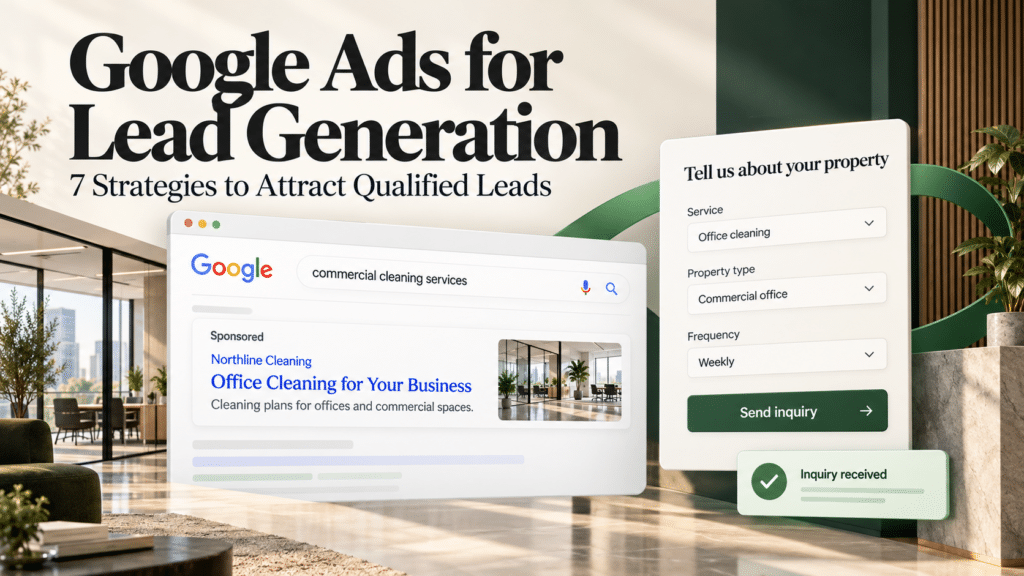
If you want more enquiries from people who are ready to talk to you, Google Ads for lead generation is one of the most direct ways to get them. Your ad appears when someone searches for what you offer. They click, call, or fill in a form, and you follow up.
But clicks alone don’t pay the bills. The goal is leads who fit your service and can become customers. This guide covers seven practical strategies, plus what it costs, how long it takes, and when it’s the right move for your business.
Quick Answer:
Google Ads brings you leads by showing your ad to people who are actively searching for your service, then guiding them to call you or send their details. You get qualified leads by choosing the right searches to appear for, blocking the wrong ones, sending people to a focused page, and tracking which leads turn into customers.
What Is Google Ads for Lead Generation?
It’s the use of Google’s paid search ads to collect contact details, phone calls, or enquiries from potential customers. Instead of selling a product on the spot, your ad’s job is to start a conversation: a quote request, a booking, a call.
Here’s how it works in four steps:
- Someone searches. For example, “emergency electrician” or “business accountant for startups.”
- Your ad competes to show. Google considers your keywords, your bid, and the quality of your ad and page.
- They take action. They click through to your page, tap to call, or submit a form.
- You follow up. The lead only has value once you respond and turn it into a sale.
With cost-per-click bidding, Google Ads Help explains that you pay when someone clicks your ad, not for every person who simply sees it. That’s why choosing who sees your ad matters so much.
How Much Does It Cost?
There is no fixed price. Google Ads runs on an auction, so your cost depends on your competition, your ad quality, and how you bid.
Two points help you plan:
- You set a ceiling, not a fixed fee. With manual bidding, you choose a maximum price per click. Google notes you’ll often pay less than that maximum.
- Quality helps your costs. Google says it considers ad quality, meaning the experience of your ad and landing page, when deciding where your ad appears.
The number that matters most is your cost per lead: total ad spend divided by the number of leads. Here’s an illustration (made-up numbers, not a benchmark):
- Spend: $1,000 in a month
- Leads received: 20
- Cost per lead: $1,000 ÷ 20 = $50
Then ask the follow-up question: how many of those leads became paying customers? A $50 lead that closes is better than a $15 lead that never answers the phone.
How Long Does It Take to See Results?
You can often start getting clicks soon after your ads are approved, but it takes a few weeks to learn what’s working. Treat the first month as a learning period.
When you use automated bidding, Google’s systems need time to adjust after you launch or make big changes. Google’s documentation on bidding says performance can fluctuate during this period, and the system keeps learning even after the “learning” label disappears.
As a general rule of thumb (not a guarantee):
- Weeks 1–2: Ads gather first clicks and search data. Fix obvious problems, but avoid big changes.
- Weeks 3–6: You’ll see which searches and ads bring leads. Start trimming waste.
- Month 2 onward: Judge lead quality, not just lead count, and refine from there.
If your sales cycle is long, such as a high-value service, give it longer before you decide.
7 Strategies to Attract Qualified Leads
These seven steps work together. Each one either brings in the right people or filters out the wrong ones.
1. Target Searches From People Ready to Act
Start with keywords that show someone is close to choosing a provider. “Roof repair quote” signals more intent than “how roofs are built.”
Google offers three keyword match types: broad, phrase, and exact. Google Ads Help explains that broader types include every search the narrower ones cover, plus more. You can add exact match with square brackets, phrase match with quotation marks, and broad match with plain text.
For a new account on a modest budget, we suggest leaning on phrase and exact match first, then widening once you have data. Google’s own guidance pairs broad match with automated bidding, so it’s worth testing later, once your tracking is reliable.
2. Block Searches That Waste Your Budget
Negative keywords tell Google which searches you don’t want your ad to appear for. If you only offer paid services, you might block “free” or “jobs.”
One catch: Google explains that negative keywords don’t automatically cover close variations, so you may need to add plurals, synonyms, and misspellings yourself.
To find what to block, use the search terms report. It shows the actual searches that triggered your ads. Review it often, and add irrelevant terms as negatives. Don’t overdo it, though. Blocking too much can cut off good traffic.
3. Write Ads That Attract the Right People
A good lead-generation ad does two jobs: it attracts the right person and quietly discourages the wrong one. Mention the service, the area you cover, and what happens next, such as “Free quote in 24 hours” (only if it’s true).
Being specific helps. If you work with businesses and not individuals, say so. If you have a minimum job size, consider mentioning it. A few lost clicks now means fewer unqualified calls later.
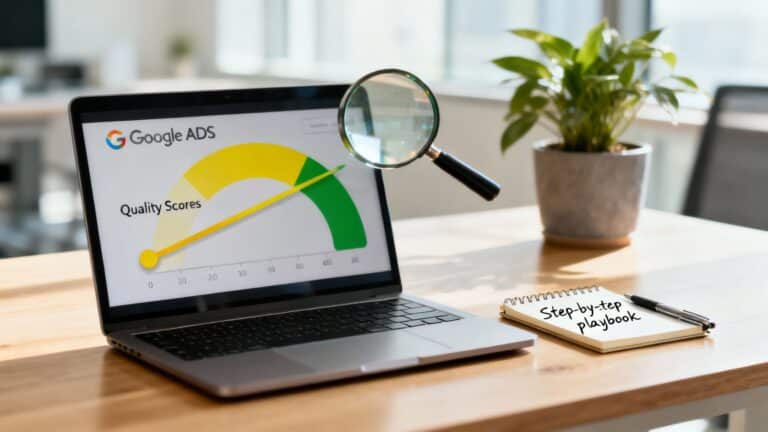
Relevance also counts with Google. Quality Score is a diagnostic tool that looks at expected click-through rate, ad relevance, and landing page experience. Use it to spot weak spots, not as a number to chase.
4. Send Clicks to a Page Built for One Action
Sending every click to your homepage is one of the easiest ways to lose leads. Visitors want to see that they’re in the right place within seconds.
A strong landing page usually has:
- A headline that matches the ad they clicked
- A short form or a visible phone number
- Real proof, such as genuine reviews, credentials, or past work
- A layout that works well on a phone
Match each ad group to the page that answers it. A search about one service should land on that service’s page, not a general menu. If you’d like experts to handle this, see our Google Ads management service.
5. Make It Easy to Call or Submit a Form
Some people want to talk. Others prefer to type. Offer both where it makes sense.
- Phone numbers in your ads. Call assets add your number to your ad so people can call directly. Google notes they don’t appear with every impression. Also, Google has announced that existing call ads will stop receiving impressions in February 2027, so use call assets inside responsive search ads instead.
- Forms inside your ad. Lead form assets let people submit their details without leaving Google. Google’s help page says they can be added to Search and Performance Max campaigns, and they require a conversion-focused bidding strategy.
Keep any form short. Ask only for what you need to follow up, such as name, phone, and a short description of the request.
6. Track Which Leads Turn Into Customers
If you can’t see which ads and searches produce good leads, you’re guessing. At minimum, track form submissions and phone calls. Our guide on how to measure calls and form submissions in Google Ads walks through the setup.
Then go one step further and connect results back from your sales process. Enhanced conversions for leads lets you match offline outcomes to the ad click that started them, using details from your lead form. Google also recommends it over starting with older offline imports.
Once tracking is solid, you can use goal-based bidding. With Target CPA, you tell Google the average price you want to pay for each lead, and it adjusts bids automatically. This only works well when conversion tracking is on and accurate, so get that right first.
7. Show Up in the Right Place at the Right Time
Paying for clicks from people you can’t serve is a common leak. Check your location settings. Google’s default can reach people in your target area as well as people who have shown interest in it. If you serve one specific area, review whether “presence” targeting, which reaches people in or regularly in that area, fits you better.
Timing matters too. Ad scheduling lets you show ads only on certain days or hours, for example, when your team can answer the phone. Look at your own results before cutting hours, because some good leads arrive in the evening.
Lead Forms or Landing Pages: Which Should You Use?
Neither is always better. It depends on how much information your customer needs before reaching out.
| Lead form in the ad | Landing page on your site | |
|---|---|---|
| Effort for the visitor | Very low | Slightly higher |
| Space to explain and build trust | Limited | Plenty |
| Best for | Quick enquiries and simple offers | Higher-value or considered purchases |
| Setup | Quick | Needs a well-built page |
If your service is straightforward, a form can lower the barrier. If people need reassurance, such as pricing detail, reviews, and process, a landing page usually does more of the work. Many businesses test both.
Common Mistakes That Waste Ad Budget
Most wasted spend comes from a short list of avoidable problems:
- Bidding on vague terms. Broad topics attract researchers, not buyers.
- Skipping negative keywords. Irrelevant searches quietly eat budget.
- Sending everyone to the homepage. Visitors leave when they can’t find what they searched for.
- Not tracking calls. Many valuable leads phone instead of filling in a form.
- Changing everything too often. Constant edits make it hard to learn what works, and can disrupt automated bidding.
- Slow follow-up. A lead you answer days later may already have called someone else.
How to Keep Your Campaigns Healthy
Google Ads isn’t “set and forget.” A light routine keeps results steady. This schedule is our suggestion, not a Google requirement:
- Weekly: Scan the search terms report, add negatives, check that calls and forms are being tracked, and make sure budget isn’t running out early.
- Monthly: Compare lead quality with whoever handles your sales. Pause what brings poor leads and give more budget to what brings good ones. Our post on setting up call and form tracking (4) helps ensure these numbers are trustworthy.
- Quarterly: Test new ad wording and landing page changes, and review your location and schedule settings.
When you check Quality Score, Google advises using it to diagnose weak ads rather than trying to raise the 1–10 number itself.
When Google Ads Is the Right Choice (and When It Isn’t)
Google Ads works best when people already search for what you sell. If your service isn’t something people look up, other channels may fit better.
It’s a good fit when:
- People actively search for your service
- A new customer is worth enough to cover the cost of getting one
- You can answer calls and messages quickly
- You can track leads and, ideally, which ones become sales
Pause and fix a few things first when:
- Your website is slow, confusing, or hard to use on a phone
- You have no way to track calls or form submissions
- Nobody is available to respond to new leads promptly
Should you do it yourself or get help?
You can absolutely start on your own with one service in one location. Complexity grows as you add services, areas, and budgets. If you’d like a second opinion on your account or a plan for a new one, you can book a consultation. Our team at Gidds Media can also take over day-to-day management.
Frequently Asked Questions
How much should I spend on Google Ads to get leads?
Start with an amount you’re comfortable testing for at least a month or two. Work backwards from your goal: if you want 20 leads and expect to pay around $50 each, you’d need about $1,000 a month. Adjust once you see real costs.
Do I need a website to generate leads?
A website helps because it builds trust and gives you a page to match each ad. Google also supports lead forms inside ads, which let people submit details directly. Still, most businesses see better results when ads lead to a strong, relevant page.
Is Google Ads better than SEO for leads?
They do different jobs. Google Ads can put you in front of searchers while you wait for organic rankings to build. SEO takes longer but doesn’t charge per click. Many businesses use both.
Can a small business run Google Ads without an agency?
Yes. Keep it simple: one service, one location, tight keywords, and proper tracking. If it starts to feel like a time sink, that’s the moment to bring in help.
Final Thoughts
To recap, attracting qualified leads comes down to seven habits: target ready-to-buy searches, block wasteful ones, write honest ads, use focused pages, make contact easy, track real outcomes, and aim at the right place and time.
If you’d like help putting this into practice, get in touch with our team with a few details about your business, or book a consultation to talk through your goals.