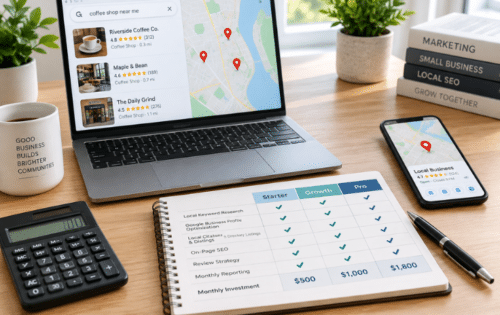
Your website should be your most effective, tireless salesperson, working 24/7 to attract qualified leads, nurture prospects, and drive revenue. However, unseen technical glitches, poor user experience, and content that misses the mark can turn it into a "leaky bucket," quietly losing valuable traffic and potential customers every single day. Slow loading times, confusing navigation, and broken links are just a few of the silent conversion killers that can sabotage your marketing efforts and damage your brand's credibility. For businesses in Austin and beyond, ignoring these underlying problems is like running a Google Ads campaign that sends traffic to a locked front door.
This is where a systematic review becomes essential. A comprehensive website audit isn't just a technical task for developers; it's a strategic business activity that directly impacts your bottom line. It uncovers the specific friction points that are costing you sales and provides a clear, prioritized path to fixing them. Think of it as a diagnostic health check for your most critical digital asset.
Our definitive website audit checklist provides a step-by-step framework to do just that. We will guide you through 10 critical checkpoints, moving beyond generic advice to give you actionable instructions and pro-tips for each one. You'll learn how to analyze everything from on-page SEO and mobile performance to site security and conversion tracking. By the end of this guide, you will have a complete roadmap to plug the leaks, optimize performance, and transform your website from a passive brochure into a powerful, lead-generating machine. Let's begin the process of reclaiming lost opportunities and unlocking your site's true potential.
1. Mobile Responsiveness & Core Web Vitals Testing
The very first step in any modern website audit checklist is evaluating how your site performs on mobile devices and measuring its Core Web Vitals. With Google’s mobile-first indexing, your mobile site is the primary version for ranking. This audit item ensures your website delivers a seamless, fast, and stable experience for all users, regardless of their device.

Core Web Vitals are specific metrics Google uses to measure user experience: Largest Contentful Paint (LCP) for loading speed, First Input Delay (FID) for interactivity, and Cumulative Layout Shift (CLS) for visual stability. Passing these benchmarks directly impacts your SEO rankings and user satisfaction. For instance, Walmart saw a 2% conversion rate increase after optimizing its Core Web Vitals, proving the direct link between performance and revenue.
Why It's Crucial for Your Audit
A poor mobile experience alienates over half of your potential audience and signals to search engines that your site is low-quality. A slow, clunky site frustrates users, leading to higher bounce rates and lost conversions. By prioritizing these metrics, you align your site with both user expectations and Google's ranking factors.
How to Implement This Check
Follow these actionable steps to audit and improve your site's mobile performance:
- Baseline Assessment: Use Google's PageSpeed Insights to get a comprehensive report on your Core Web Vitals and mobile-friendliness. This tool provides both lab data and real-world user data from the Chrome User Experience Report (CrUX).
- Real-Device Testing: While browser emulation is useful, test your site on actual iPhones and Android devices to uncover issues that emulators might miss.
- Prioritize LCP: Start by optimizing your Largest Contentful Paint. This often involves compressing images, deferring non-critical JavaScript, and leveraging a Content Delivery Network (CDN) to deliver assets faster.
- Monitor and Improve: Consistently track your metrics. Small changes can have a big impact. As Amazon discovered, every 100ms of speed improvement boosted their conversion rates by 1%. The connection between website speed and business success is undeniable. You can learn more about the importance of speed performance for your website and its impact on your bottom line.
2. SEO On-Page Optimization Analysis
After ensuring your site is mobile-friendly, the next critical component of a comprehensive website audit checklist is a deep dive into your on-page SEO. This involves auditing all the user-facing and code-level elements on your pages, like title tags, meta descriptions, heading structures, and internal links. The goal is to ensure each page is perfectly optimized to communicate its relevance and authority to search engines for its target keywords.
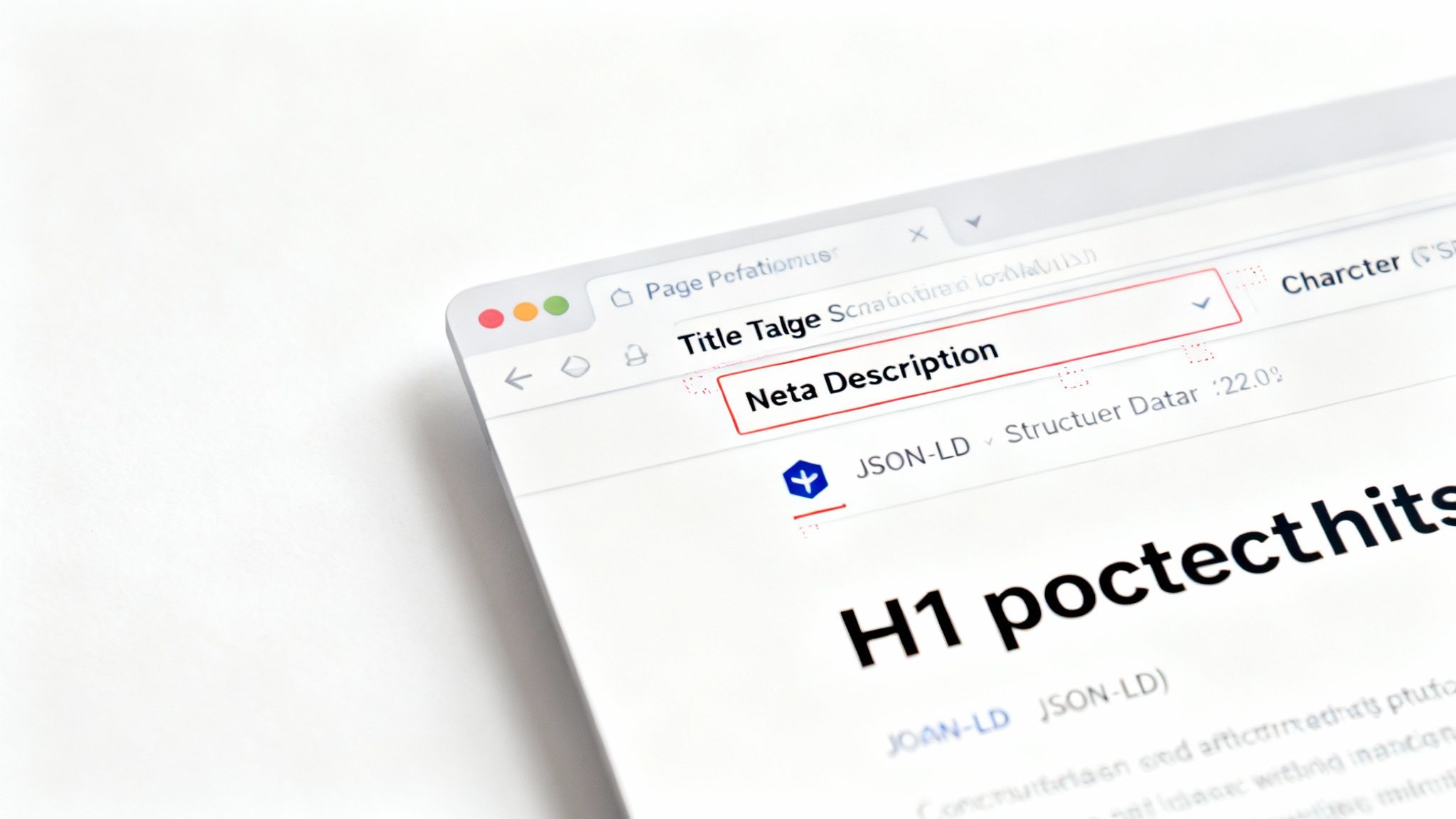
Effective on-page SEO is a direct lever for higher rankings and increased organic traffic. For example, industry leader Moz discovered that well-optimized title tags could improve click-through rates by as much as 30%. Similarly, Neil Patel documented a remarkable 45% traffic increase after conducting a thorough on-page optimization overhaul, proving its immense impact on visibility and user engagement.
Why It's Crucial for Your Audit
Without strong on-page signals, search engines struggle to understand what your content is about, who it's for, and why it should rank. Neglecting these foundational elements is like building a house without a blueprint; it leads to poor structure, wasted effort, and an inability to compete. A meticulous on-page audit ensures your content is crawlable, indexable, and positioned for maximum relevance.
How to Implement This Check
Follow these actionable steps to audit and enhance your on-page SEO:
- Analyze Core Elements: Use tools like Screaming Frog or Ahrefs' Site Audit to crawl your site. Check for missing, duplicate, or poorly optimized title tags, meta descriptions, and H1 tags. Ensure every page has a unique title and description.
- Refine Heading Structure: Every page should have a single, clear H1 tag that includes the primary keyword. Use H2 and H3 tags to logically structure the content for readers and search engine crawlers, breaking up long text blocks.
- Optimize Keyword Placement: Naturally integrate your primary keyword within the title tag, the H1, and the first 100 words of your content. Sprinkle LSI (Latent Semantic Indexing) keywords throughout to build topical relevance.
- Strengthen Internal Linking: Each piece of content should link to 3-5 other relevant, high-value pages on your site using descriptive anchor text. This distributes link equity and helps users and search engines discover more of your content. For a deeper understanding, you can learn more about deconstructing SEO to optimize your online presence and its foundational principles.
3. SSL Certificate & Security Protocol Verification
An essential component of any website audit checklist is verifying your site's security protocols, starting with its SSL certificate. This check ensures your website uses HTTPS to encrypt data between the user's browser and your server, protecting sensitive information. Implementing proper security measures is a critical signal of trustworthiness to both users and search engines.
A valid SSL certificate enables the padlock icon in the address bar, assuring visitors their connection is secure. Modern browsers like Chrome and Firefox actively flag non-HTTPS sites as "Not Secure," which can immediately deter potential customers. Major e-commerce platforms like Shopify mandate HTTPS for PCI compliance, showcasing its non-negotiable role in online business.
Why It's Crucial for Your Audit
Failing to secure your site with HTTPS not only exposes user data to potential interception but also directly harms your SEO. In 2014, Google confirmed HTTPS as a ranking signal, giving secure sites a slight advantage. A missing or expired certificate erodes user trust, increases bounce rates, and can result in significant ranking drops, making this a foundational audit point.
How to Implement This Check
Follow these actionable steps to audit and strengthen your website's security posture:
- Verify SSL/TLS Implementation: Use a tool like SSL Labs' SSL Server Test to get a detailed report on your certificate's configuration. Aim for an "A" or "A+" rating.
- Redirect All Traffic to HTTPS: Ensure all HTTP versions of your URLs permanently redirect (301) to their secure HTTPS counterparts. This prevents duplicate content issues and forces a secure connection.
- Implement Security Headers: Go beyond basic SSL by adding HTTP Strict Transport Security (HSTS) to force browsers to only use secure connections. Also, implement headers like X-Frame-Options and a Content Security Policy (CSP) to prevent common attacks.
- Monitor and Renew: SSL certificates expire. Set quarterly reminders to check expiration dates and renew them on time to avoid security warnings that drive away traffic. Beyond just checking your SSL certificate, a fundamental aspect of maintaining strong website security involves understanding the importance of regular software updates for cybersecurity to patch vulnerabilities.
4. Broken Links & Redirect Chain Detection
The next crucial item on your website audit checklist involves systematically finding and fixing broken links (404 errors) and inefficient redirect chains. Broken links create dead ends for users and search engine crawlers, leading to a frustrating experience and wasted crawl budget. Similarly, long redirect chains slow down page loading and dilute link equity.
This audit step directly impacts user trust and your site's technical health. A study by Ahrefs found that the average website has 10-15% broken internal links, a significant source of user friction. Furthermore, HubSpot's audit tool frequently identifies 404 pages as a top contributor to crawl waste, meaning search engines spend resources on non-existent pages instead of your valuable content.
Why It's Crucial for Your Audit
Ignoring broken links and redirects sends negative signals to search engines about your site's maintenance and quality. It can lead to higher bounce rates, lost link equity, and indexing problems. For example, after a major URL restructuring, BBC News had to undertake a massive redesign effort to fix thousands of broken links that were harming user navigation and SEO performance.
How to Implement This Check
Follow these actionable steps to clean up your site’s link profile:
- Run a Comprehensive Crawl: Use tools like Screaming Frog, Ahrefs' Site Audit, or Semrush's Site Audit to crawl your entire website. These tools will generate a detailed report of all 404 errors, redirect chains, and loops.
- Prioritize High-Impact Fixes: Start by fixing broken links found in your main navigation, footer, and top-performing pages. These have the most significant impact on user experience and link equity flow.
- Update, Don't Just Redirect: Whenever possible, update the source of an internal broken link to point directly to the correct destination URL. Relying on redirects for internal links adds unnecessary server requests.
- Implement Proper Redirects: For permanently moved or deleted pages that have external backlinks, use a 301 (permanent) redirect to send users and search engines to the most relevant live page. This preserves link equity and prevents lost traffic.
- Monitor and Repeat: Make this check a regular part of your maintenance routine. For larger sites, run a crawl quarterly to catch new issues before they escalate. You can also use Google Search Console to monitor and identify crawl errors reported by Google.
5. XML Sitemap, Robots.txt & Technical SEO Validation
The next critical phase of a comprehensive website audit checklist involves verifying your site’s foundational crawling and indexing instructions. This step validates your XML sitemap structure, robots.txt directives, and HTML/schema markup to ensure search engines can efficiently discover, crawl, and interpret your content. Proper configuration here is the bedrock of technical SEO, guiding search engine bots to your most important pages and helping them understand what those pages are about.
An XML sitemap is a roadmap of your website, while robots.txt is a set of rules telling search engine crawlers which areas to access or avoid. Schema markup (structured data) provides explicit context about your page content, enabling rich results like star ratings and product prices in search. For example, recipe sites using proper Recipe schema have seen a 30% increase in click-through rates, demonstrating how technical validation directly enhances visibility and user engagement.
Why It's Crucial for Your Audit
Without a clean sitemap and correct robots.txt file, search engines may struggle to find all your valuable pages or waste crawl budget on irrelevant ones. Incorrect schema markup means you miss out on opportunities for enhanced search listings that attract more clicks. Auditing these elements ensures your site communicates effectively with search engines, maximizing indexation and qualifying your pages for rich results.
How to Implement This Check
Follow these actionable steps to validate your site’s technical SEO foundation:
- Sitemap & Robots.txt Verification: Submit your XML sitemap to Google Search Console and use its
robots.txtTester to check for syntax errors. Ensure your sitemap includes all canonical URLs and is updated when significant new content is added. - Structured Data Testing: Use Google’s Rich Results Test to validate your schema markup. Prioritize implementing relevant schema types, such as Product schema for e-commerce pages to show prices or LocalBusiness schema for service providers.
- Code Validation: While not a direct ranking factor, clean code is easier for browsers and bots to parse. Use the W3C HTML Validator to check for major errors that could hinder rendering or crawling.
- Strategic Implementation: Avoid blocking critical CSS or JavaScript files in
robots.txt, as this prevents Google from rendering your pages correctly. For complex international sites, specify hreflang tags within your sitemap to signal language and regional targeting. You can explore more of these foundational concepts by learning about technical SEO best practices and their impact on search performance.
6. Duplicate Content & Canonicalization Audit
A crucial part of any comprehensive website audit checklist involves hunting down duplicate content and ensuring proper canonicalization. This process identifies identical or "near-duplicate" pages across your site and tells search engines which version is the primary one to index. This prevents search engines from getting confused, splitting your link equity, and potentially penalizing your site for thin or repetitive content.
Duplicate content can arise from many sources, including URL parameters for tracking, printer-friendly versions of pages, and having both www and non-www versions of your site live. Large e-commerce sites are particularly susceptible, as filter and facet navigation can create thousands of near-identical category pages, and many sites may use the same manufacturer product descriptions. Addressing these issues consolidates your ranking signals into a single, authoritative URL.
Why It's Crucial for Your Audit
Failing to manage duplicate content dilutes your SEO authority. When search engines find multiple versions of the same page, they don't know which one to rank. This forces them to choose, often arbitrarily, or to split the ranking power between the different URLs, weakening your overall performance. Moz once found that nearly 30% of websites have unresolved duplicate content issues, highlighting how common yet damaging this problem can be.
How to Implement This Check
Follow these actionable steps to find and fix duplicate content on your site:
- Content Audit: Use tools like Screaming Frog or Ahrefs' Site Audit to crawl your website and identify pages with duplicate titles, meta descriptions, and H1 tags. This is often the first sign of a larger issue.
- Implement Canonical Tags: For pages that must exist but are duplicates of a master page (like a page with UTM parameters), apply a
rel="canonical"tag. This tag points search engines back to the original, preferred version, consolidating all SEO value there. - Set a Preferred Domain: Decide whether you want your site to be accessible via
www.yourdomain.comoryourdomain.com. Set your preference in Google Search Console and implement 301 redirects to enforce this choice across your entire site. - Standardize URL Parameters: If you use parameters for things like sorting or filtering, use the URL Parameters tool in Google Search Console to tell Google how to handle them. This prevents it from indexing countless variations of the same page. A well-executed canonical strategy ensures your best content gets the full credit it deserves.
7. Content Quality & Readability Assessment
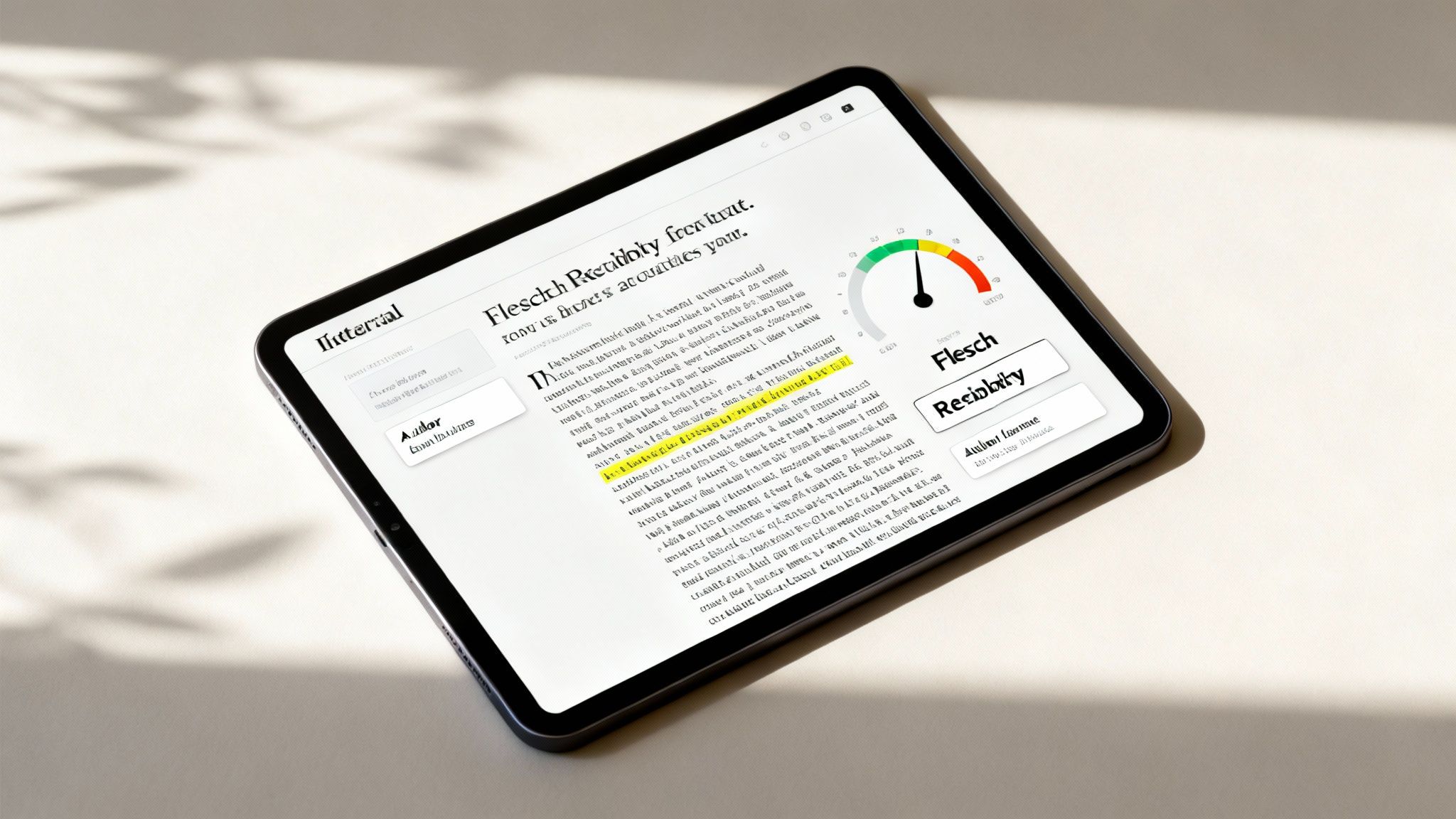
Beyond technical fixes, a crucial part of any website audit checklist involves a deep dive into your actual content. This audit item evaluates the depth, originality, formatting, and expertise of your written material. It ensures your content not only meets user needs but also signals authority and trustworthiness (E-E-A-T) to search engines, which is vital for engagement and rankings.
High-quality, comprehensive content consistently outperforms thin, generic articles. For example, Brian Dean's research at Backlinko revealed a clear correlation between content length and search rankings, with top-ranking pages often exceeding 3,000 words. Similarly, HubSpot data shows that articles over 2,000 words generate significantly more traffic. This proves that investing in substantial, well-researched content directly fuels organic growth.
Why It's Crucial for Your Audit
Poor-quality content harms your brand's credibility and fails to convert readers into customers. If your articles are difficult to read, lack depth, or don't demonstrate expertise, users will quickly leave, increasing your bounce rate. Assessing your content's quality allows you to identify weak spots, align your material with user intent, and build a library of assets that attract, engage, and convert your target audience.
How to Implement This Check
Follow these actionable steps to audit and improve your site's content quality:
- Analyze Content Depth and Length: For your most important keywords, aim for content that is more comprehensive than your competitors. A good starting point is 2,000+ words for competitive topics, focusing on covering the subject in its entirety.
- Evaluate Readability: Use tools like the Hemingway App to check your content's reading level. For a broad audience, target a grade 8-9 reading level by using shorter sentences (15-20 words average), active voice, and clear language.
- Enhance E-E-A-T Signals: Showcase author expertise with detailed author bios and credentials. Add original research, data, or statistics to demonstrate authority. Major publications like Forbes often feature clear reporter bylines to build trust with their audience.
- Improve Formatting and Engagement: Break up long text blocks with subheadings every 100-150 words. Use bullet points, bold text, and original multimedia like images or videos to make content more scannable and engaging. Regularly update evergreen content to keep it fresh and accurate.
8. Site Architecture & URL Structure Optimization
A well-organized site architecture acts as the blueprint for your website, guiding both users and search engine crawlers to your most important content. This part of your website audit checklist involves evaluating your site's hierarchy, URL readability, and internal linking to improve crawlability, user experience, and content discoverability. A logical structure ensures that link equity flows effectively throughout your site, boosting the authority of key pages.
A prime example of an SEO-optimal hierarchy is Amazon's structure, which flows logically from Department > Category > Subcategory > Product. This makes navigation intuitive for millions of users and allows search engines to easily understand the relationship between different pages. Similarly, Wikipedia's massive organic traffic is heavily supported by its clear category and internal linking structure, which makes a vast amount of information accessible.
Why It's Crucial for Your Audit
A messy, disorganized site architecture confuses search engines, making it difficult for them to crawl and index your content efficiently. This can lead to "orphan pages" that receive no internal link equity and are virtually invisible to Google. For users, a poor structure results in a frustrating experience, making it hard to find information and leading to higher bounce rates and abandoned conversion funnels.
How to Implement This Check
Follow these actionable steps to audit and improve your site’s architecture and URL structure:
- Analyze Click Depth: Map out your site structure and ensure your most important pages are no more than three clicks away from the homepage. Use tools like Screaming Frog to visualize your site hierarchy and identify deeply buried content.
- Optimize URL Slugs: Ensure your URLs are clean, descriptive, and keyword-rich. For example, use
example.com/services/local-seoinstead ofexample.com/page-id=123. Always use hyphens (-) to separate words, not underscores (_), as Google treats hyphens as word separators. - Implement Breadcrumb Navigation: Add breadcrumbs to your pages. This simple navigation aid helps users understand their location on your site and improves internal linking, providing clear pathways for search engine crawlers.
- Build a Logical Internal Linking Strategy: Create a strong internal linking foundation by linking related content together. For instance, a blog post about "The Best SEO Tools" should link to service pages for SEO audits or keyword research. This distributes link authority and keeps users engaged. One e-commerce audit revealed a 45% traffic increase after restructuring the URL hierarchy and improving internal links.
9. Accessibility Audit (WCAG Compliance & Usability)
An essential component of any comprehensive website audit checklist is evaluating your site's accessibility. This audit assesses compliance with the Web Content Accessibility Guidelines (WCAG) and overall usability for people with disabilities. It ensures your digital content is accessible to everyone, including users who rely on assistive technologies like screen readers or keyboard-only navigation.
Neglecting accessibility not only excludes a significant portion of the population but also poses serious legal and financial risks. For example, Domino's Pizza famously lost a landmark ADA lawsuit that required a complete website accessibility overhaul. Similarly, Target.com paid a $6 million settlement for its accessibility violations. These cases highlight the critical importance of building an inclusive web experience.
Why It's Crucial for Your Audit
An inaccessible website alienates over 1.3 billion people worldwide who live with some form of disability. This oversight can damage your brand reputation and result in costly legal battles. Proactively auditing for WCAG compliance expands your audience reach, improves overall user experience for all visitors, and often provides a secondary SEO boost, as many accessibility best practices overlap with search engine optimization principles.
How to Implement This Check
Follow these actionable steps to audit and improve your site's accessibility:
- Automated Scanning: Start by using automated tools like WAVE, Axe, or Google Lighthouse's built-in accessibility checker. These tools can quickly identify common issues like missing alt text, low color contrast, and incorrect heading structures.
- Manual Keyboard Testing: Navigate your entire website using only the Tab, Enter, and arrow keys. Ensure all interactive elements like links, buttons, and form fields are reachable and usable without a mouse.
- Semantic HTML Structure: Verify that your site uses proper HTML5 semantic elements (
<nav>,<main>,<header>) and that headings (H1, H2, H3) are used in a logical, hierarchical order. This structure is crucial for screen reader users to understand the page layout. - Color Contrast and Alt Text: Use a color contrast checker to ensure text meets the WCAG 2.1 AA standard of a 4.5:1 ratio. Manually review all meaningful images to confirm they have descriptive alt text that conveys their purpose and content.
10. Analytics Integration & Conversion Tracking Setup
A critical part of any comprehensive website audit checklist is verifying that your analytics and conversion tracking are set up correctly. Without accurate data, you are essentially flying blind, unable to measure user behavior, campaign effectiveness, or return on investment. This audit item ensures your Google Analytics 4 (GA4) integration, event tracking, and goal configurations are reliable, providing the insights needed to make informed business decisions.
Misconfigured tracking is a widespread problem. Audits frequently reveal that 30-40% of conversion tracking is broken or inaccurate, and studies have shown that a majority of websites fail to properly track crucial interactions like form submissions. Fixing these implementation errors can lead to immediate clarity and significant improvements. Case studies often show a 20% or greater improvement in campaign performance simply by correcting analytics and tracking issues.
Why It's Crucial for Your Audit
Inaccurate data leads to wasted marketing spend, missed opportunities, and flawed strategies. If you can't trust your numbers, you can't identify what's working and what isn't. A thorough analytics audit validates the integrity of your data, ensuring that every strategic decision is based on a solid foundation of reliable user insights and performance metrics.
How to Implement This Check
Follow these actionable steps to audit and optimize your analytics and conversion tracking:
- Verify Universal GA4 Installation: Use Google Tag Assistant or your browser's developer tools to confirm the GA4 tag is present and firing correctly on every single page of your website, including landing pages and blog posts.
- Define and Configure Key Conversions: Identify 10-15 key conversion goals crucial to your business, such as form submissions, phone number clicks, or e-commerce purchases. Set these up as conversion events in GA4 to measure what truly matters.
- Implement Robust Event Tracking: Go beyond page views. Set up event tracking for important user interactions like video plays, file downloads, and clicks on outbound links to get a complete picture of user engagement.
- Systemize Campaign Tracking: Implement a consistent UTM parameter strategy for all marketing campaigns (email, social media, ads). This allows you to accurately attribute traffic and conversions to the correct source, proving ROI.
- Enable Advanced Features: Link your Google Search Console account to GA4 for deeper SEO insights. Enable Google Signals to better understand cross-device user journeys and build more effective remarketing audiences.
10-Point Website Audit Comparison
| Audit / Service | 🔄 Implementation Complexity | ⚡ Resource Requirements | ⭐ Expected Effectiveness | 📊 Expected Outcomes | 💡 Ideal Use Cases & Key Advantages |
|---|---|---|---|---|---|
| Mobile Responsiveness & Core Web Vitals Testing | Medium–High 🔄 — testing + front-end optimizations | Moderate ⚡ — dev time, device lab, performance tools | ⭐⭐⭐⭐ — high impact on UX & search | 📊 Improved LCP/FID/CLS, higher rankings, lower bounce | 💡 Mobile-first sites, e‑commerce; prioritize LCP, test on real devices |
| SEO On-Page Optimization Analysis | Low–Medium 🔄 — content & tag updates | Low ⚡ — SEO tools, editorial time | ⭐⭐⭐⭐ — direct ranking & CTR benefits | 📊 Higher CTR, clearer relevance signals, quick wins | 💡 Blogs/product pages; do unique titles/meta, one H1, add schema |
| SSL Certificate & Security Protocol Verification | Low–Medium 🔄 — infra changes and header configs | Low–Medium ⚡ — certificate cost, ops time | ⭐⭐⭐⭐ — essential for trust and SEO | 📊 Secure sessions, PCI compliance, browser trust indicators | 💡 All sites, especially e‑commerce; use Let's Encrypt, monitor expiry |
| Broken Links & Redirect Chain Detection | Low–Medium 🔄 — scanning + fixes | Low ⚡ — crawling tools, dev time for redirects | ⭐⭐⭐ — improves UX and crawl efficiency | 📊 Fewer 404s, recovered link equity, reduced crawl waste | 💡 Large sites: run quarterly crawls, prioritize nav fixes, use 301s |
| XML Sitemap, Robots.txt & Technical SEO Validation | Medium 🔄 — config + structured data work | Low ⚡ — webmaster tools, schema testing | ⭐⭐⭐⭐ — essential for discoverability & rich results | 📊 Better indexation, eligibility for rich snippets, fewer crawl errors | 💡 Sites with many pages; submit sitemaps, use JSON‑LD, test robots.txt |
| Duplicate Content & Canonicalization Audit | Medium–High 🔄 — analysis + canonical/redirect fixes | Moderate ⚡ — crawling, CMS/template changes | ⭐⭐⭐⭐ — consolidates authority, prevents indexation issues | 📊 Improved crawl efficiency, consolidated link equity, fewer duplicates | 💡 E‑commerce and sites with faceted nav; implement canonical + redirects |
| Content Quality & Readability Assessment | Medium 🔄 — editorial overhaul + updates | Moderate ⚡ — writers, editors, plagiarism tools | ⭐⭐⭐⭐ — strong long-term ranking & engagement gains | 📊 Longer sessions, higher conversions, more backlinks | 💡 Competitive keywords; target 2000+ words when needed, cite sources |
| Site Architecture & URL Structure Optimization | High 🔄 — possible restructuring + redirects | High ⚡ — dev + SEO planning, 301 mapping | ⭐⭐⭐⭐ — major long-term SEO & UX benefits | 📊 Better crawlability, distributed authority, lower bounce | 💡 Large sites; keep key pages ≤3 clicks from homepage, plan redirects |
| Accessibility Audit (WCAG Compliance & Usability) | Medium–High 🔄 — testing + front‑end fixes | Moderate ⚡ — dev time, assistive tech testing | ⭐⭐⭐ — expands audience and reduces legal risk | 📊 Increased reach, improved UX, lower legal exposure | 💡 Public-facing brands; maintain 4.5:1 contrast, test with screen readers |
| Analytics Integration & Conversion Tracking Setup | Medium 🔄 — tagging, events, cross‑domain config | Low–Medium ⚡ — GA4, GTM, QA time | ⭐⭐⭐⭐ — critical for measurement and optimization | 📊 Accurate conversion data, better ROI decisions, campaign insights | 💡 Marketing-driven sites; set 10–15 key goals, validate with Tag Assistant |
From Checklist to Action Plan: What's Next?
You have now worked through a comprehensive website audit checklist, a powerful tool for diagnosing your site's health and uncovering hidden opportunities for growth. This is far more than a simple to-do list; it's a diagnostic blueprint that reveals the precise areas where your digital presence is either thriving or falling short. Moving through each item, from technical SEO validation to content quality assessment, is a monumental first step toward reclaiming your website's potential.
The true value, however, isn't in completing the checklist itself. The real transformation begins when you translate these findings into a strategic, prioritized action plan. It can be overwhelming to stare at a list of issues, from broken links and redirect chains to suboptimal Core Web Vitals scores. The key is to avoid analysis paralysis and move decisively into execution.
Prioritizing Your Audit Findings for Maximum Impact
Not all audit findings carry the same weight. Fixing a typo on your "About Us" page is important, but resolving a site-wide duplicate content issue will have a far greater impact on your search engine rankings and user experience. The secret to effective implementation is ruthless prioritization.
Start by categorizing your findings based on two critical factors: Impact and Effort.
- High-Impact, Low-Effort (Quick Wins): These should be your top priority. Tasks like installing an SSL certificate, fixing critical broken links, or optimizing the
robots.txtfile often require minimal resources but can yield significant and immediate improvements in security, user experience, and SEO. For an Austin-based home service provider, this could mean fixing broken links to your service pages, which immediately helps potential customers find what they need and boosts your local SEO signals. - High-Impact, High-Effort (Strategic Projects): These are the game-changers. Items like a complete site architecture overhaul, a major content quality improvement initiative, or achieving full WCAG accessibility compliance fall into this category. They require significant time and resources but offer transformative, long-term benefits. A local law firm, for instance, might find that improving their site architecture to better organize practice area pages leads to a substantial increase in qualified leads over several months.
- Low-Impact, Low-Effort (Incremental Improvements): These are tasks worth doing when you have time. Think of updating old blog post metadata or improving the readability scores on less-critical pages. These small tweaks add up over time to create a more polished and professional website.
- Low-Impact, High-Effort (Re-evaluate Later): These items should be placed at the bottom of your list or reconsidered entirely. If a task requires a massive investment for a negligible return, your resources are better spent elsewhere.
Key Takeaway: A website audit is not a one-time event; it's the beginning of a continuous improvement cycle. Schedule regular audits, perhaps quarterly or bi-annually, to monitor your progress, catch new issues as they arise, and adapt to the ever-changing digital landscape.
Mastering this website audit checklist empowers you to take control of your digital destiny. You no longer have to guess why your website isn't performing. Instead, you have a clear, data-driven roadmap that connects technical fixes directly to business outcomes like increased traffic, better lead generation, and a stronger brand reputation. By consistently applying these principles, you transform your website from a passive online brochure into your most effective, hardest-working salesperson, operating 24/7 to grow your business.
Navigating the complexities of a full audit and implementing the necessary changes can be daunting. If you're ready to turn your audit findings into a concrete, revenue-driving strategy, the team at Gidds Media is here to help. We specialize in transforming audit insights into measurable growth for businesses in Austin and beyond, ensuring your website performs at its peak.
Get a Free, No-Pressure SEO Audit and Action Plan from Gidds Media Today!